
Uus
Toshiba
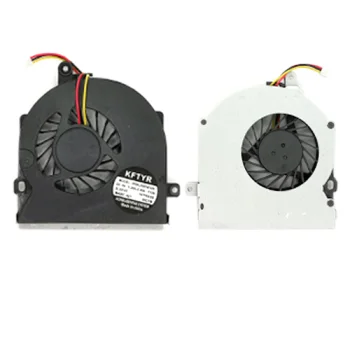
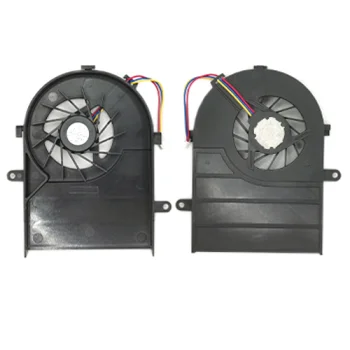
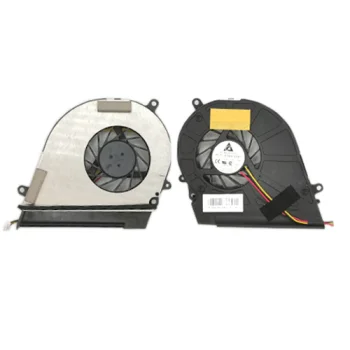
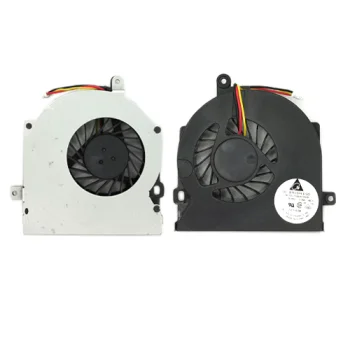
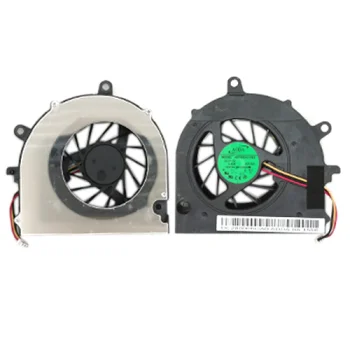
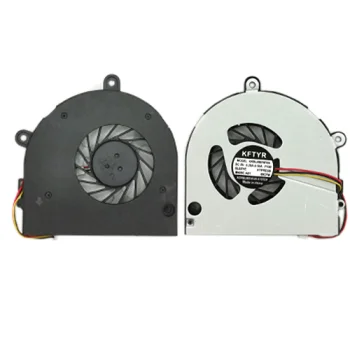
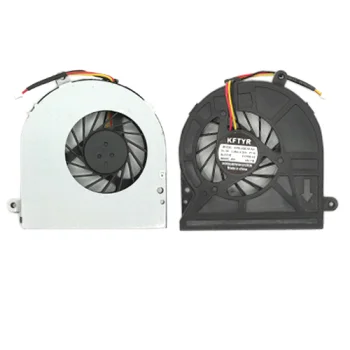
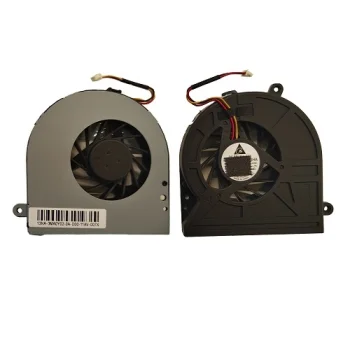
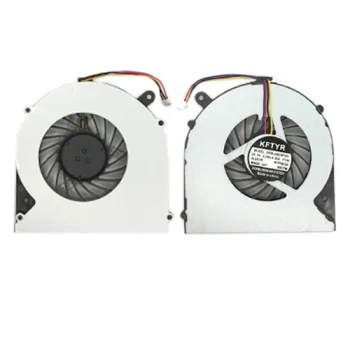
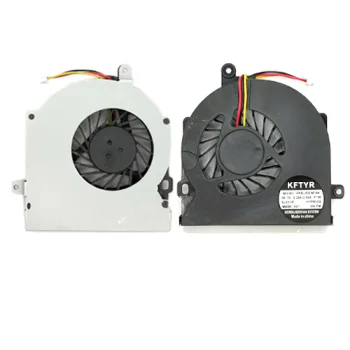
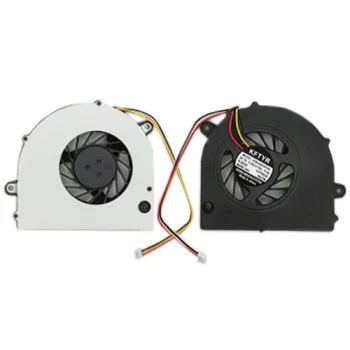
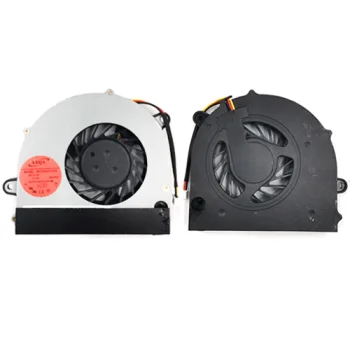
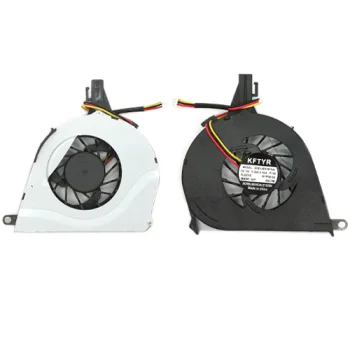
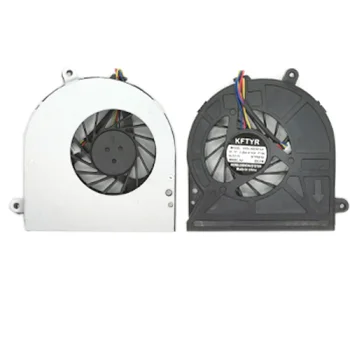
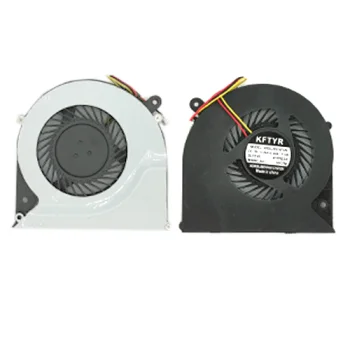
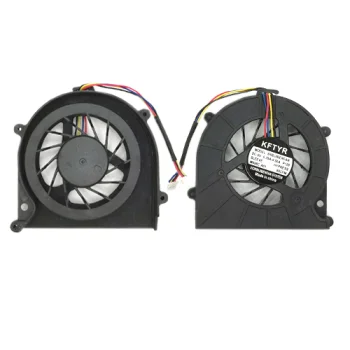
Laptop Cooler for Toshiba Satellite L300, L305, L350, L355, A300, A305
Tarne 5–10 tööpäeva jooksul
15.10 €
Laptop replacement fans deliver essential cooling for internal components such as the CPU and GPU, preventing thermal throttling and hardware damage. A properly matched replacement fan restores balanced airflow and quiet operation. Motivs.lv offers a wide selection of internal cooling fans designed to match specific laptop models with exact mounting points and connectors.
Over time, internal laptop fans can develop bearing wear, generate excessive noise, or fail entirely, causing dangerous heat build-up. Installing a quality laptop replacement fan restores optimal heat dissipation, ensuring stable system performance during demanding daily tasks and resource-heavy applications.
Selecting the right replacement fan requires checking several key physical and technical specifications:
Explore the selection of laptop replacement fans on Motivs.lv to maintain lower operating temperatures and extend the lifespan of your device.
Common warning signs include rattling noises, fan failure errors on startup, overheating, and sudden system shutdowns under load.
Check the exact laptop model and the original part number (P/N) printed directly on your existing fan casing.
4-pin fans support precise PWM speed regulation by the motherboard, while 3-pin models use standard voltage-based speed control.
+371 20408041
info@motivs.lv
Duntes 56, Rīga, LV-1005, Latvija
Esmaspäev: 10:00 - 19:00
Teisipäev: 10:00 - 19:00
Kolmapäev: 10:00 - 19:00
Neljapäev: 10:00 - 19:00
Reede: 10:00 - 19:00
Laupäev: suletud
Pühapäev: suletud
 Gudri pirkumi vienuviet